Inside IntelligenceOS 1.1.1
See what your agents can pick up next time.
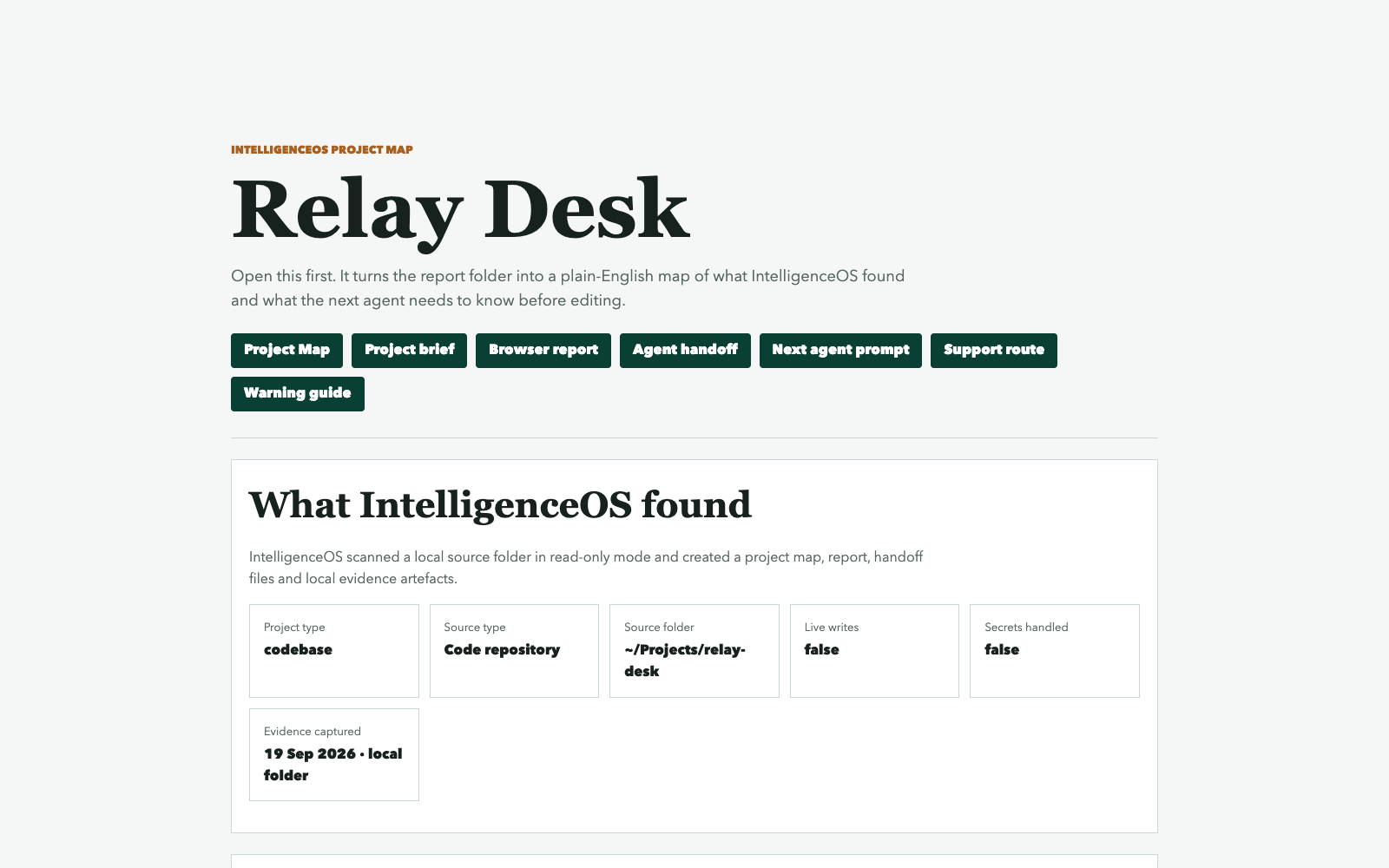
This is Relay Desk, a fictional work-log app for small studios. IntelligenceOS mapped its seven project files, recorded the brief and found a gap in the planned work. Open the actual map and report below.
Real product output: 1.1.1 · fictional example · no signup
What’s in this example
A brief, a map and a useful next question.
The project brief
Relay Desk is intended to keep client requests, decisions and evidence in one local record. The map carries its intended users, definition of done and protected paths.
Seven files in context
The scan covers a README, project configuration, application code, a test file and two documents. It identifies the Python entry point and a test command for the next agent to check.
A gap worth reviewing
“Restore an archived task” is a configured roadmap gap. The report also notes that no recognised agent instruction file or CI workflow was found.
The map gives an agent a starting point for the next conversation. It doesn’t make those project changes for you.
About the sample
Actual output, with a small project you can explore.
The map and report come from the retained 1.1.1 demonstration run used for the product screenshots. Relay Desk is a fictional project, so you can explore it without exposing anyone’s client work.
Local paths have been redacted and the links adapted for the web. The findings are unchanged. This preview includes the map and report; the brief, handoff and other supporting files mentioned inside them are part of the kit’s normal output.
Explore the Project Map · Read the report · What’s new in 1.1.1
Use it on your own project
Give your next session somewhere to start.
Both setup routes, the mapping tools and five reusable skills are included in IntelligenceOS.