01
Finding a useful starting point
We talk through the jobs you keep doing and choose one where an assistant could be useful.
Start here
AI Workbench
I build an assistant around your role, company knowledge and the work you repeat. We start with one useful task, then connect the tools or add the dashboard it needs. I test it with you and show you how to use it.
AI Workbench is part of the MorpheOS AI implementation service, and is priced for the work involved. It is separate from the IntelligenceOS download.
Your work and background
The information your assistant needsSkills
Useful tasks you can repeatSafety
What AI can draft, and what needs youHandover
How to use it without turning it into adminThe problem
A blank chat box does not know your role, your company, your audience, your tone, your recurring tasks or your standards. You end up explaining the same context again before it can help.
The practical fix is a small workbench containing the context it needs, the jobs worth repeating and the actions that still require your approval.
What you get
The setup can work with your existing AI tool or a dedicated assistant workspace. We choose the approach around the task and the information it needs.
01
We talk through the jobs you keep doing and choose one where an assistant could be useful.
02
I bring together the background and examples the assistant needs, including how you like the work written and what information it can use.
03
Once we’ve worked out a useful way to prepare a brief, review copy or turn meeting notes into actions, I make that something you can use again.
04
You decide what the assistant can access and which actions need your approval, before it is connected to anything.
05
I show you how to use it, we try real tasks together and I include one round of adjustments. Ongoing help is available separately.
Who it helps
The best first version is deliberately narrow: one senior professional, one workbench, a small number of high-use workflows, proper checks.
How it works
The sprint starts with basic but important questions: what are you allowed to use, what should AI never do, and which workflows are worth setting up first?
We check that the chosen tool is suitable for the company information you want to use.
I build the assistant’s context and reusable tasks, plus the connections or dashboard we have agreed.
We test the setup against useful examples, not perfect demo prompts.
You keep the setup and instructions, so you can use it and know where to start if something needs changing.
Built from real work
In June 2026, I built a dedicated assistant workspace with role context, reusable skills, a dashboard and rules for actions needing approval. Read the Janet implementation story to see the build.
We agree what runs automatically and what waits for your review.
The assistant should show its sources and flag what it cannot verify.
We check which company information can be used before adding it.
Tool connections and dashboards are included only where we have agreed to build them.
See the output
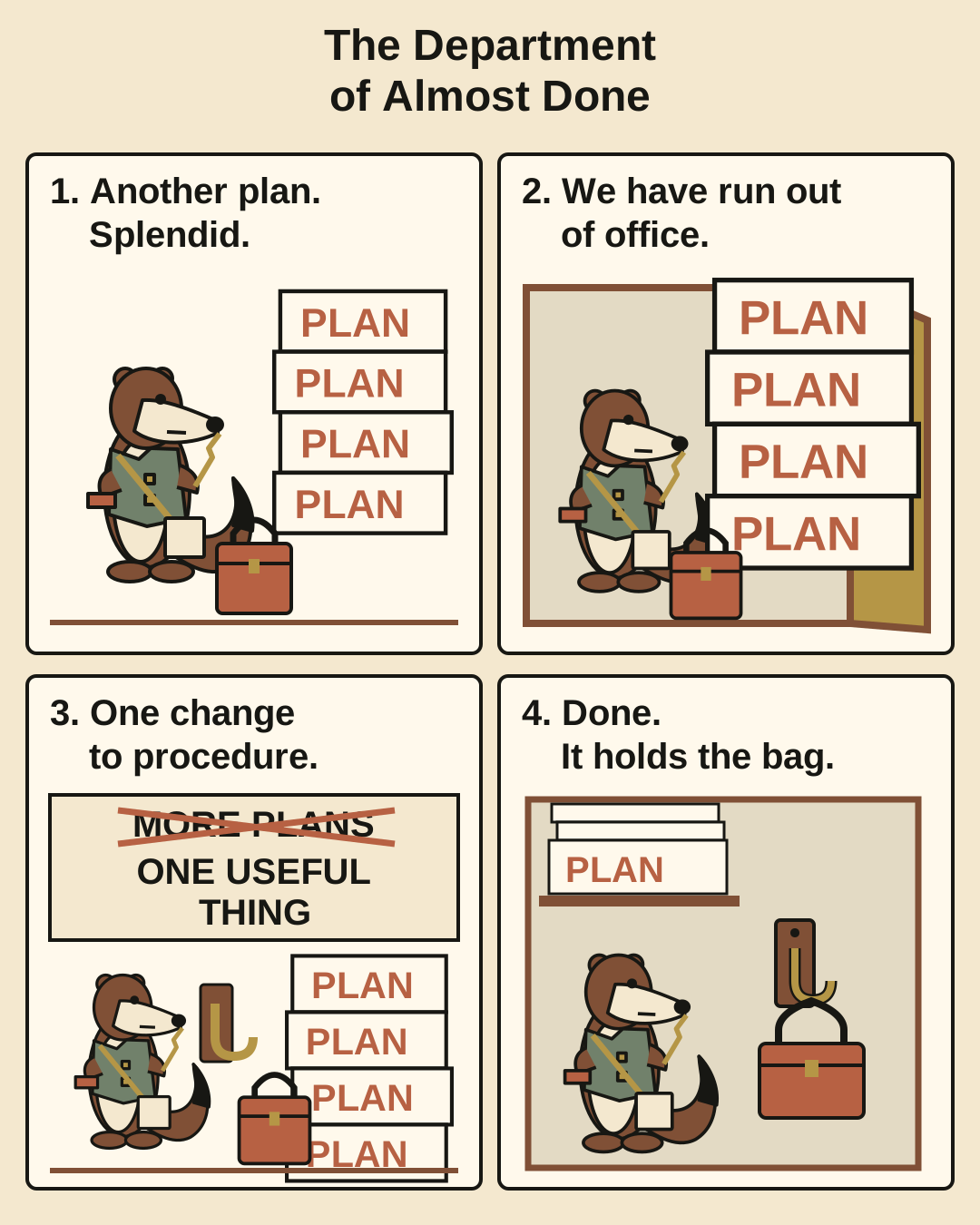
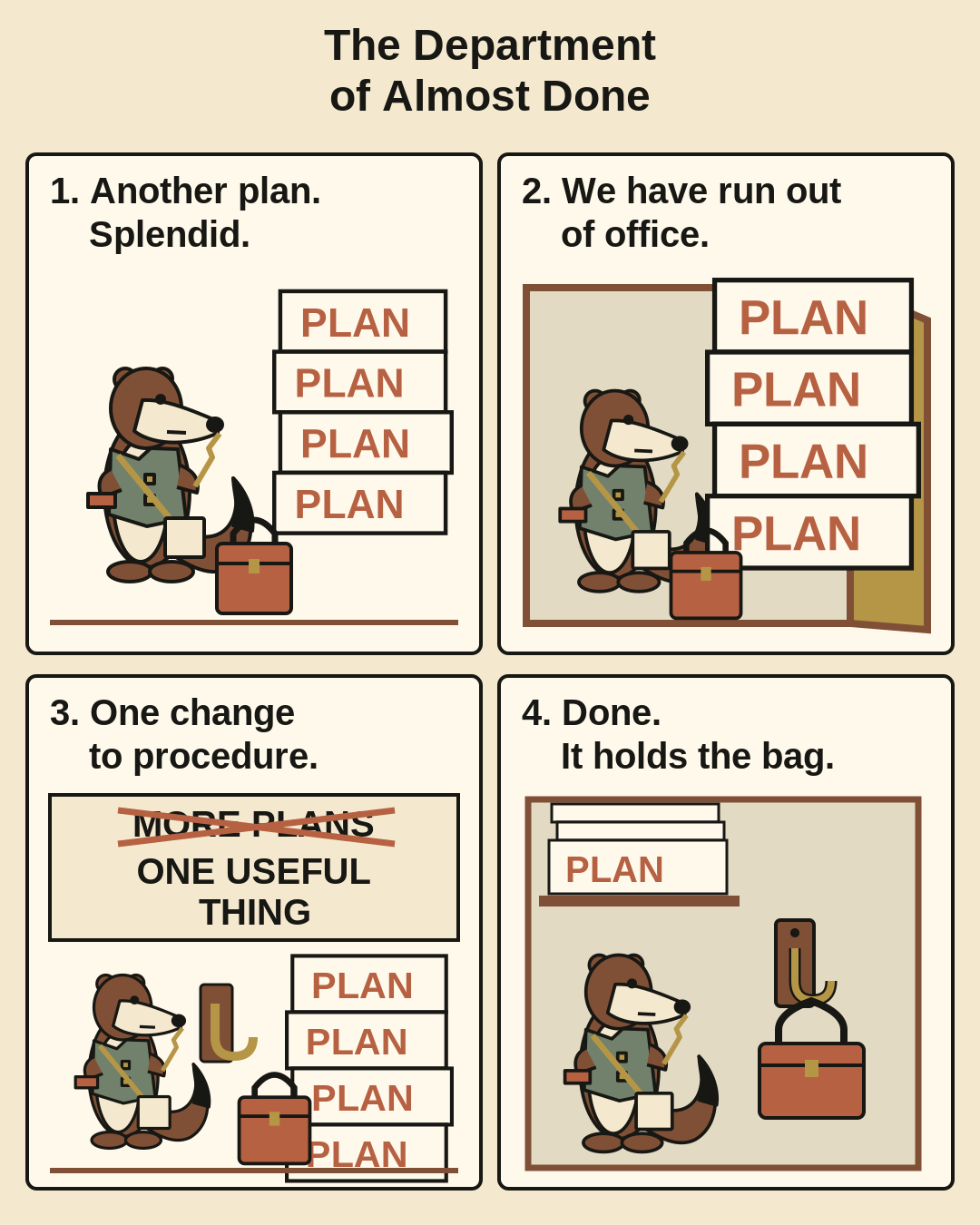
For my own publication, Swarm Signal, I paired an original four-panel story with an article about agents using several tools to finish a task.
The result is Nell, a fictional office clerk, and a cupboard full of plans. The four-panel story gives a dry British take on a familiar problem: lots of activity, and very little finished.
The illustration has an editable vector source and a full-size image. It offers a fictional way into the same question: what actually got done?
Read the Swarm Signal article · Open the editable illustration · Get the A4/A3 print files on Etsy
Working together
I build this around your role and the tools you use. We can start with a conversation about the work you repeat and where AI currently falls short.
I’ll explain what I’m building and flag any hosting, AI subscription or API costs before we start. Start with a description of the task; keep confidential company or client material out of the first email.
Reporting, campaign workflows and website journeys can connect to the same work. See how the MorpheOS service fits together.
Before work begins
Before we start, you’ll know what I’m doing, the price, what I need from you and when we expect to finish. If the work changes, we agree the next step first.
Get in touch
Send me your role, how you use AI now and two or three pieces of work you repeat. Keep confidential employer or client material out of the first note.